Build a thumbnail in your browser.
Choose a local image, add a headline, move it into place, and export a clean PNG with this browser-based YouTube thumbnail generator. The editor works on this device without an account, upload, or watermark.
This tool uses the browser canvas. Your image is not sent to this site or a third-party API.
Live canvas
3840 × 2160 · 16:9Start from an editable YouTube thumbnail template.
Download a clean SVG starter at 1280 × 720, replace the sample text and visual layers, then bring the idea back into this browser editor for a final PNG export. This is a practical YouTube thumbnail template, not a locked image.
Download editable SVG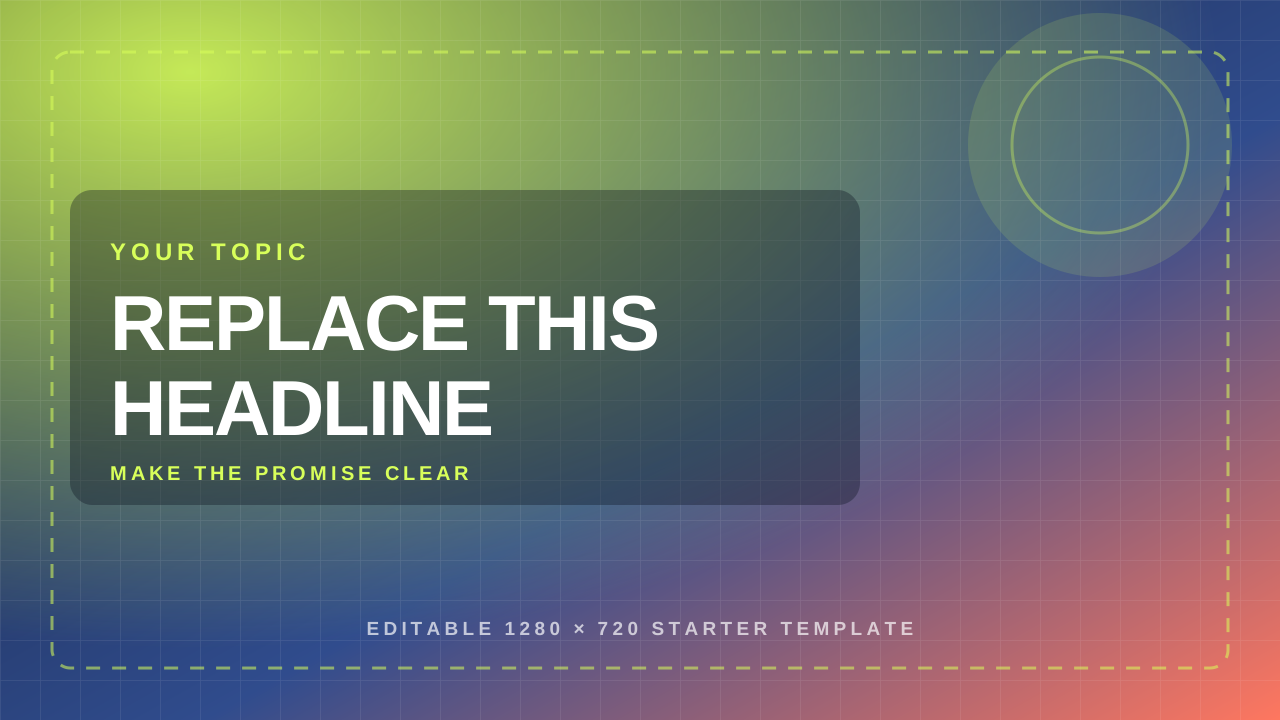
Start with the image you already have.
Choose a local background, write the promise of the video, then drag the headline until the composition reads at a glance. Export PNG when the canvas feels ready. Already have an image to resize first? Use the YouTube thumbnail resizer before adding a headline. The official dimensions shown here come from the site’s YouTube Help source note.
Explore Corel creative software Affiliate link: if you buy through this link, we may earn a commission at no extra cost to you.
Choose an image. The file is read by this browser and used as the local canvas background.
Shape the message. Edit the headline, change its size and color, and drag it on the canvas.
Take the PNG. Export draws the final canvas without the guide or any site watermark.
Thumbnail maker FAQ
Does the image leave my device?
No. The image is read into a local browser canvas. This page does not upload it or send it to an image API.
What does the canvas target?
The canvas uses the official site guidance shown above: 3840 × 2160 pixels, a 16:9 shape, and a minimum width of 640 pixels.
How does this YouTube thumbnail generator use the editable template?
It is the SVG starter above: a 1280 × 720 canvas with replaceable text, guides, and accent layers. Open it in a design editor, or use it as a visual starting point before rebuilding the idea in this local maker.
Can I move the headline precisely?
Yes. Drag directly on the canvas or use the two position sliders. The current headline, color, and size are redrawn locally.
Does export add a watermark?
No. The PNG is drawn from the canvas and does not add a Thumbnail Tester mark.