YouTube Banner Maker
Build channel art on a local canvas, start from an editable YouTube banner template, keep the important headline inside the published safe area, and export a clean PNG without an account or upload.
The safe-area guide is a preview aid only. It is excluded from the exported PNG.
Safe-area canvas
2048 × 1152 · 16:9 YouTube Help · reviewed 2026-09-15Download a YouTube banner template.
Use the editable SVG starter to plan channel art on a 2560 × 1440 canvas Manage your channel branding · reviewed 2026-09-15 Channel banner & profile picture tips · reviewed 2026-09-15. The centered 1235 × 338 guide YouTube Help · reviewed 2026-09-15 shows where important text and logos can stay visible.
Download editable SVG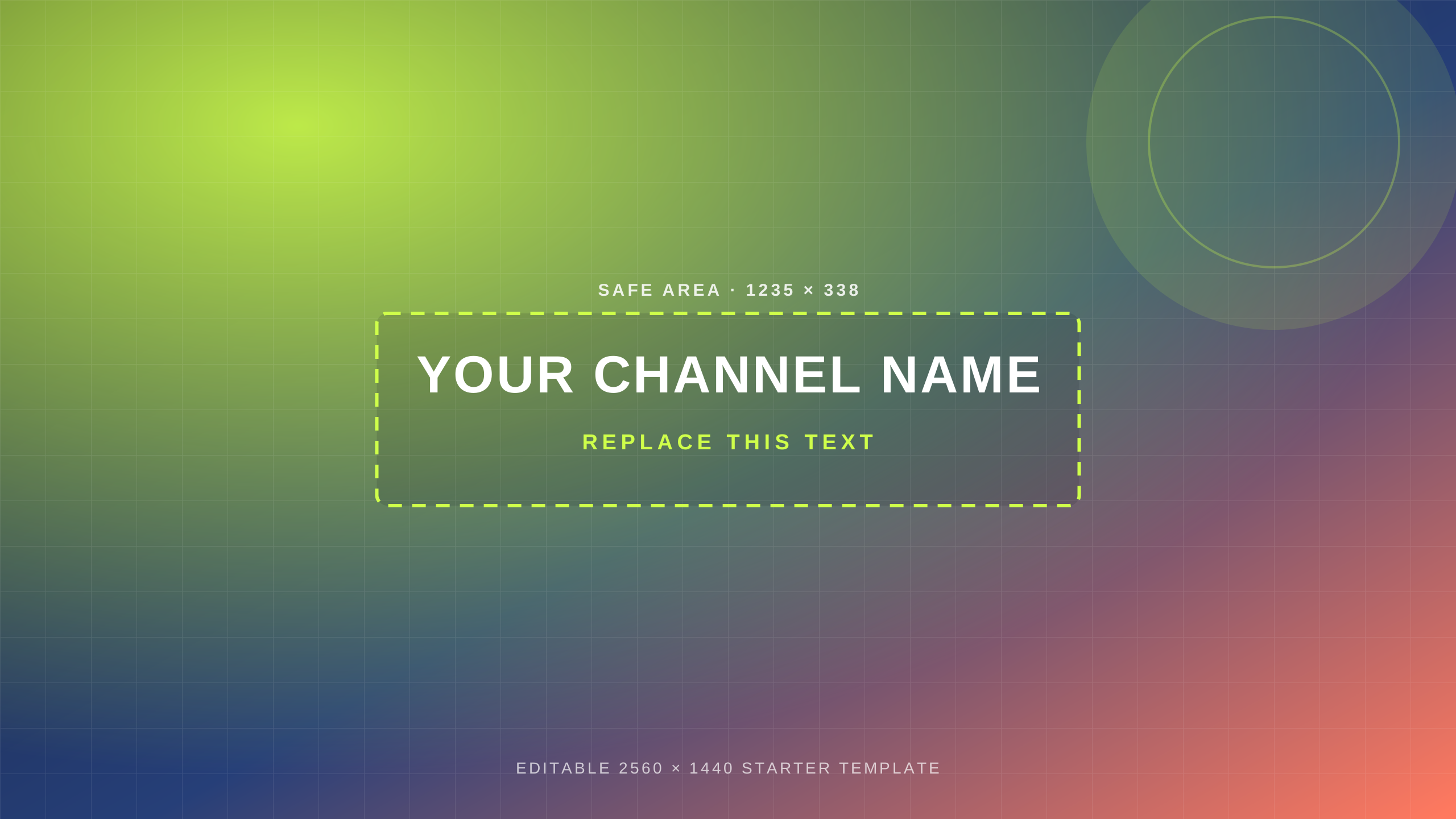
Give the center the message.
Load a local image, type the channel promise, and keep the text inside the dashed 1235 × 338 guide YouTube Help · reviewed 2026-09-15. The canvas starts at the official 2048 × 1152 minimum YouTube Help · reviewed 2026-09-15, while the site’s source note also records the 2560 × 1440 TV recommendation Manage your channel branding · reviewed 2026-09-15 Channel banner & profile picture tips · reviewed 2026-09-15.
Choose a background. Your image is read locally and placed on the browser canvas.
Use the safe area. The dashed center box marks the published 1235 × 338 safe area YouTube Help · reviewed 2026-09-15 at the minimum canvas.
Export the artwork. The guide stays out of the PNG, so the downloaded image is ready to take away.
YouTube banner maker FAQ
What is the dashed box?
It marks the official 1235 × 338 safe area YouTube Help · reviewed 2026-09-15 at the 2048 × 1152 minimum canvas YouTube Help · reviewed 2026-09-15. Keep the words and logos that must survive cropping inside it.
Does this page include a YouTube banner template?
Yes. Download the editable SVG template above, open it in a design editor, and replace the starter text and visual layers.
Which canvas does export use?
This maker exports the visible canvas at 2048 × 1152 YouTube Help · reviewed 2026-09-15. The source page separately lists 2560 × 1440 as the TV recommendation Manage your channel branding · reviewed 2026-09-15 Channel banner & profile picture tips · reviewed 2026-09-15.
Does the guide appear in the PNG?
No. The dashed safe-area guide is a visual aid in the editor and is intentionally excluded from export.
Does this page upload my image?
No. The image and text are drawn in the browser. There is no account, server-side upload, third-party API, or watermark.